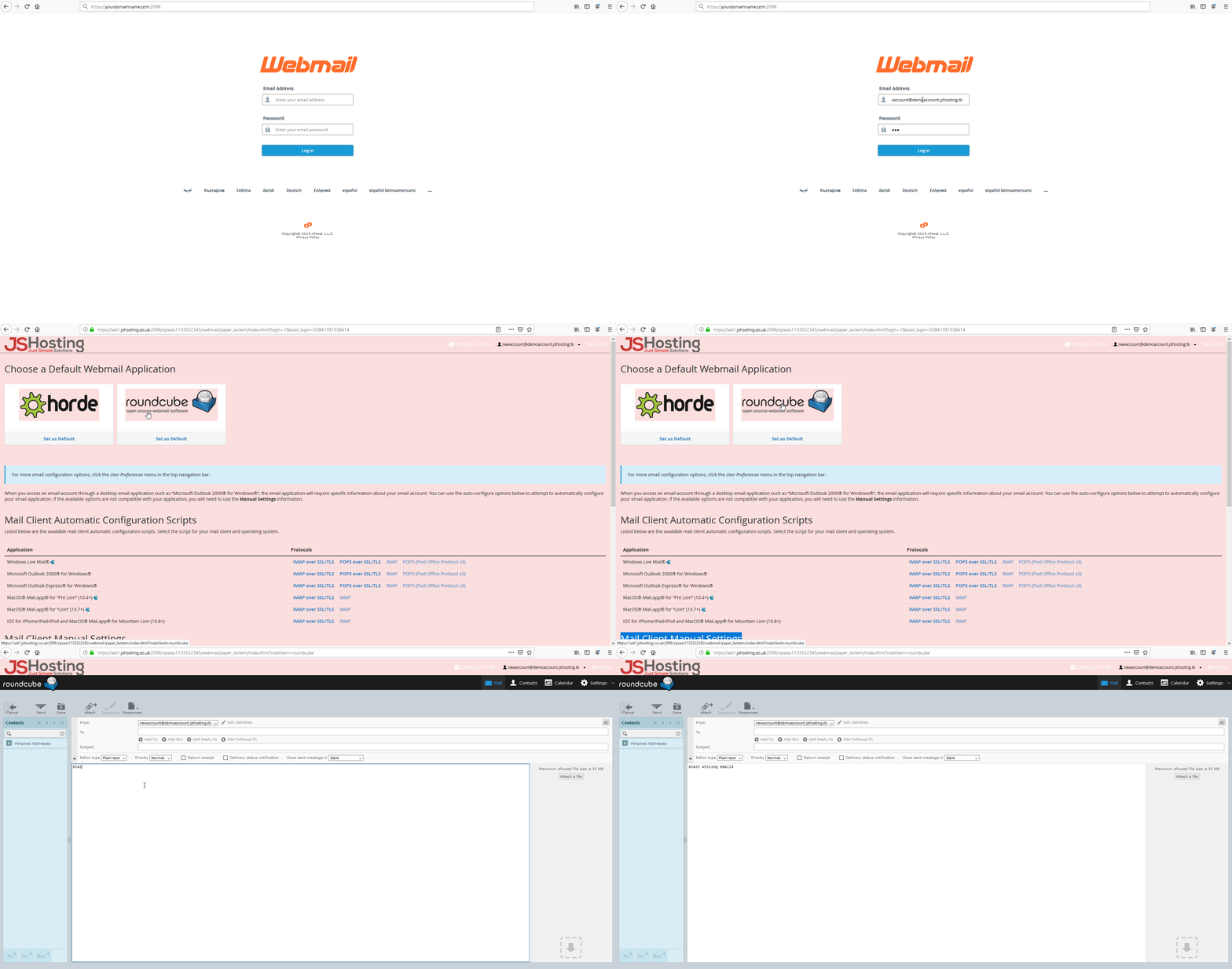
Logging into your webmail account via a browser.
- To login to your newly created or existing email account go to the URL bar and type https://www.yourdomainname.com/webmail you will be redirected to your email login page.
- Fill in your email account details and select your preferred web email client and edit the email account for auto response and forwarding features.
Not too sure how then follow our video below