
If your unable to update Simple DDNS Updater, it could be because you require administrative privileges to update the app.
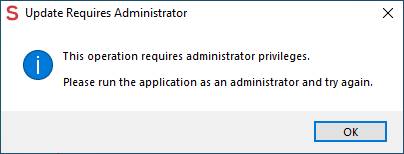
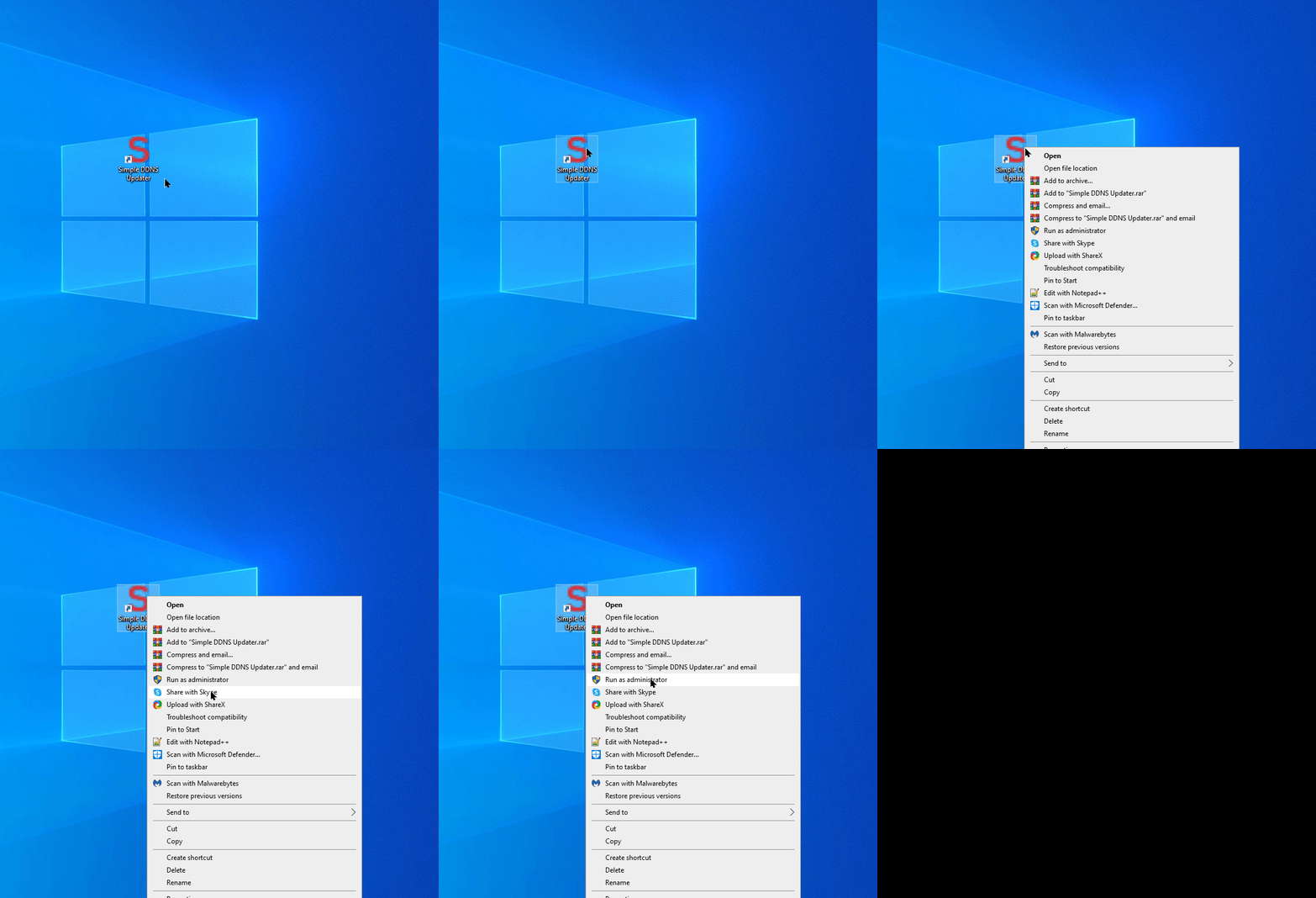
Please right click Simple DDNS Updater and press run as administrator, then you should be able to update to the latest version.
Once the update is installed, Simple DDNS Updater app will reboot to the latest version.
If your still experiencing update issues please contact our support team for further assistance or check our other articles for related issues.