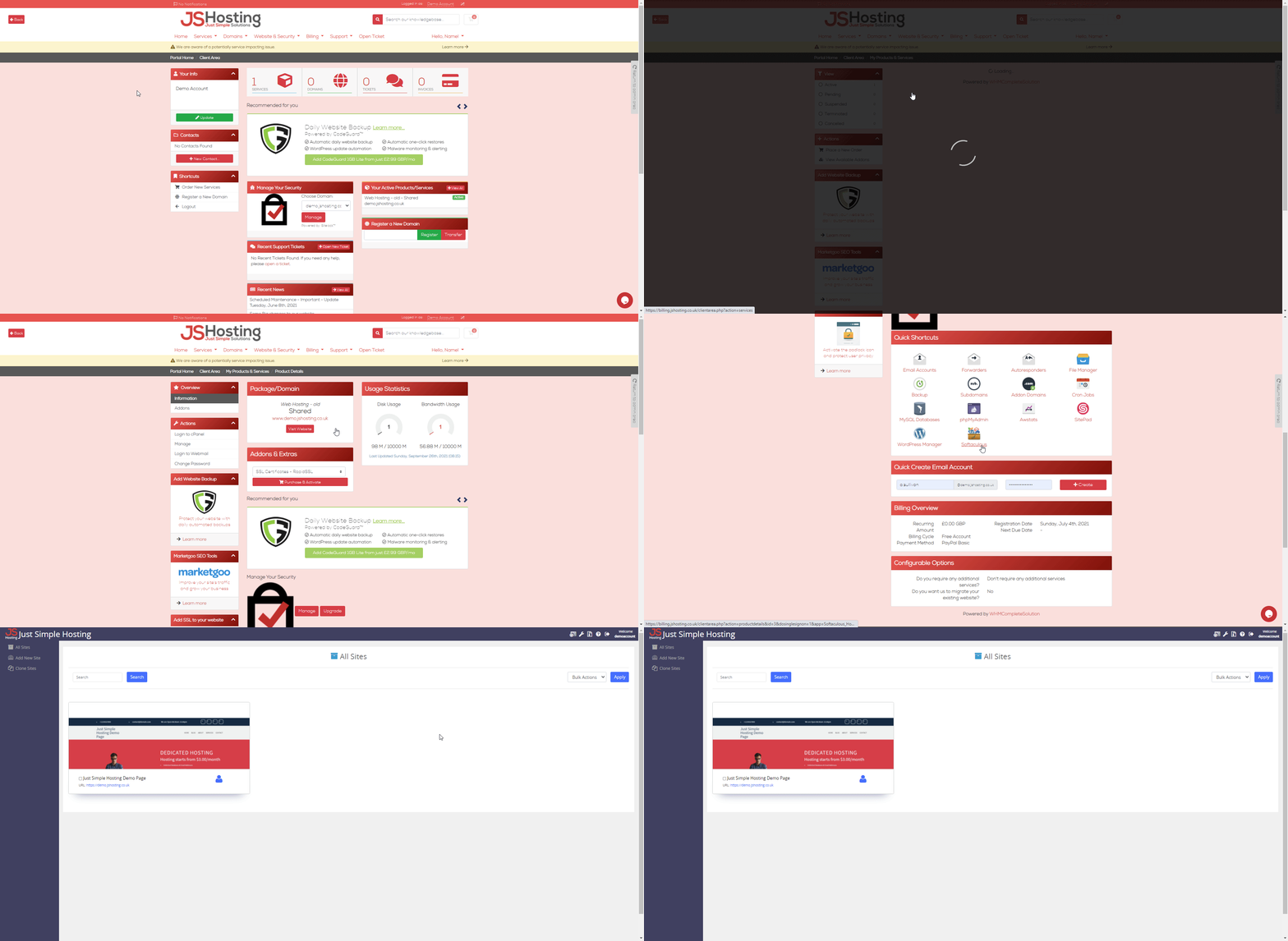
How to access SitePad website builder?
- You will need to login via the client portal at jshosting.co.uk/login
- Click on the services tab and then click the domain name you would like to edit.
- Scroll down to quick shortcuts and click SitePad.
- From here you can start creating a new website and edit existing sites.
See below video if you are not sure.