
1. You will need to login via the client portal at jshosting.co.uk/login.
2. Then you will need to click on the domains tab at the top of the page.

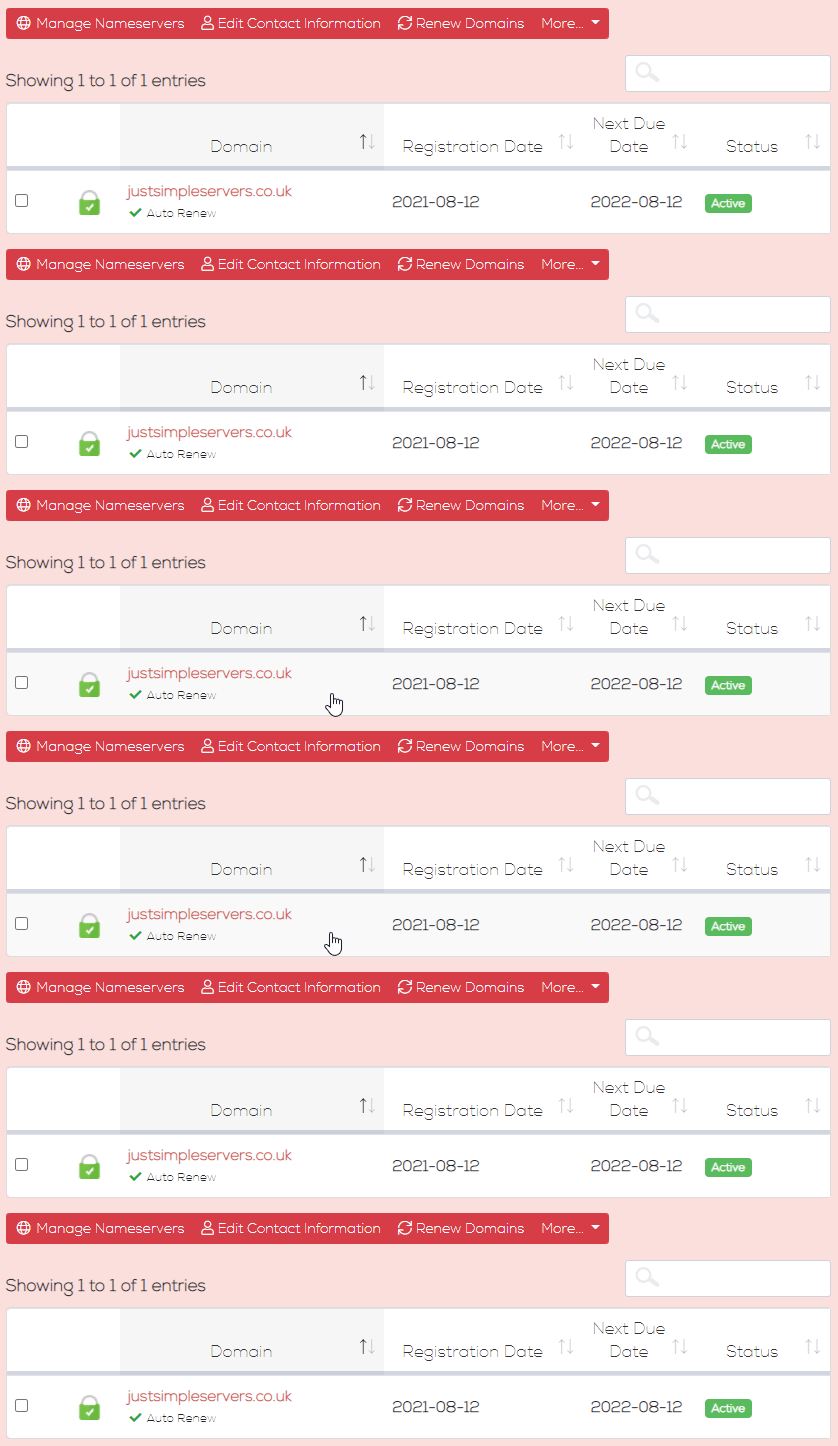
3. Then click on the domain you would like to setup email forwarding on, In this example we are using justsimpleservers.co.uk so the email address would look like this "info@justsimpleservers.co.uk.
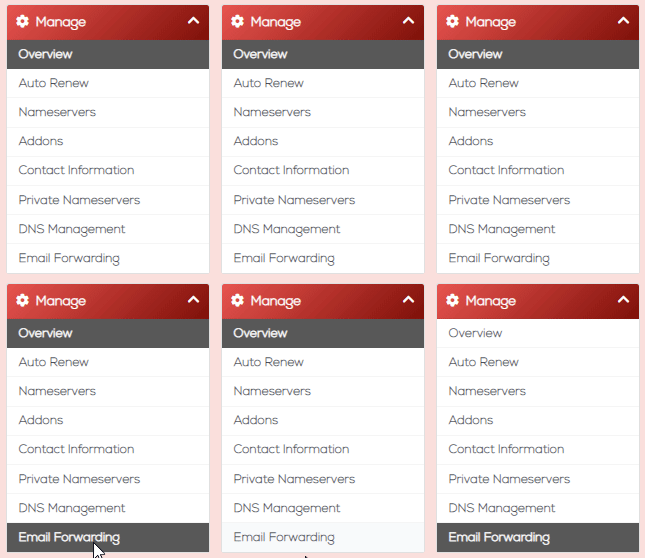
4. Then go to the left hand side under manage and click on email forwarding.
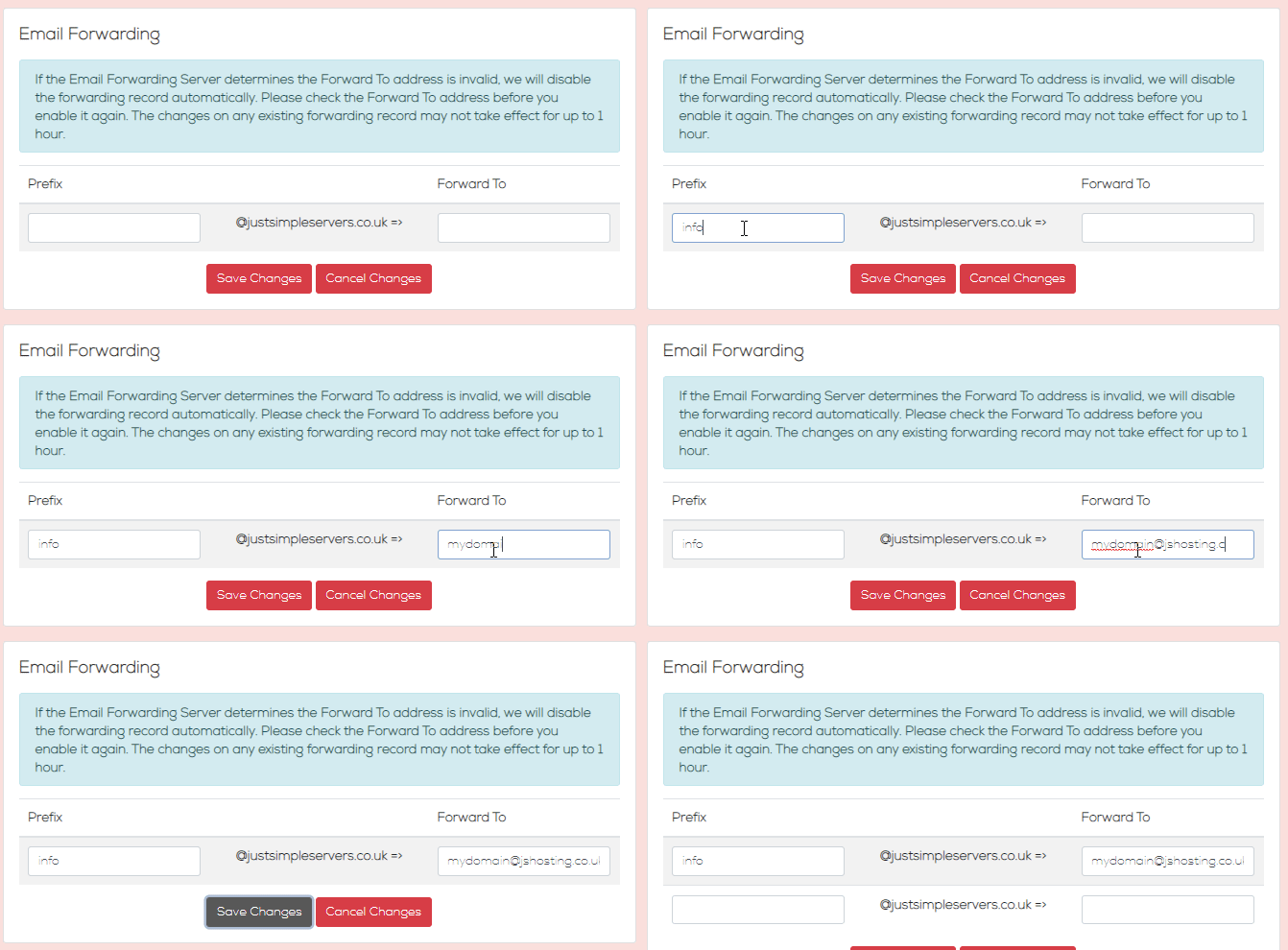
5. Enter the domain prefix for the email address you would like forwarding and then enter the full address you would like the emails to be forwarded too.
Just click save and it should start working within the hour.
If you need help then please don't hesitate to get in touch at jshosting.co.uk/support.